
Our Product
Opic Spatial
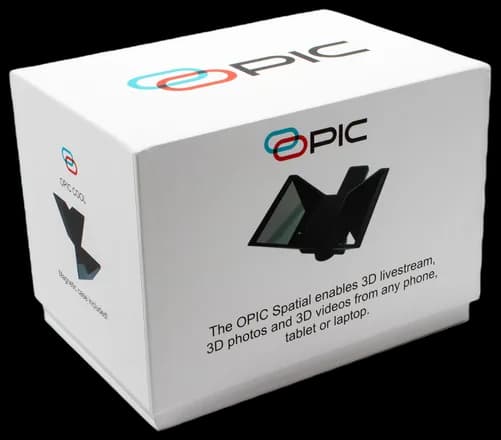
The clip-on 3D camera for your smartphone.
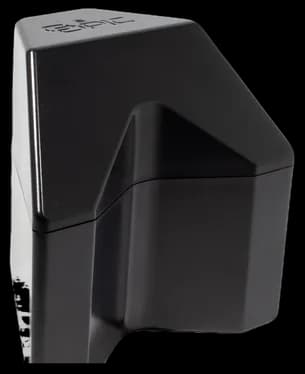
Capture stunning stereoscopic photos, videos and livestreams with the phone you already have. It clips on in seconds and works with the Opic3D app to deliver immersive visuals ready for VR viewing on Meta Quest, Apple Vision Pro and more.
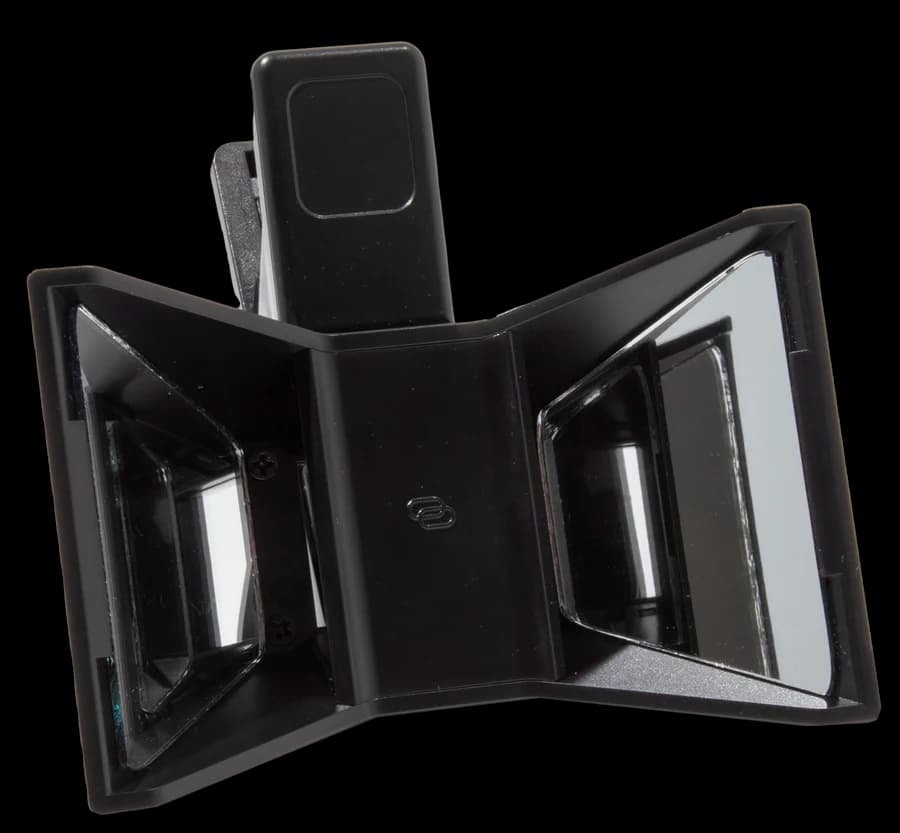
From your phone to real depth in three steps
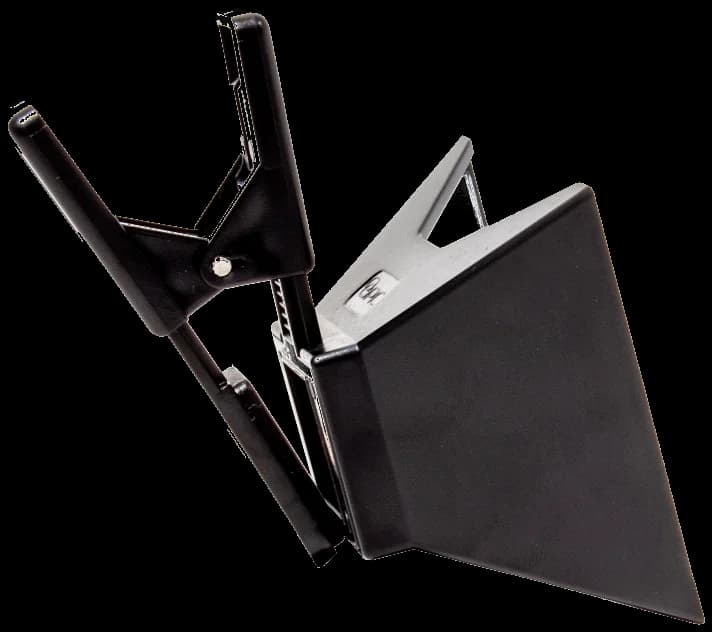
Step 1: Clip it on
Attach Opic Spatial over your phone’s camera in seconds.

Step 2: Shoot as usual
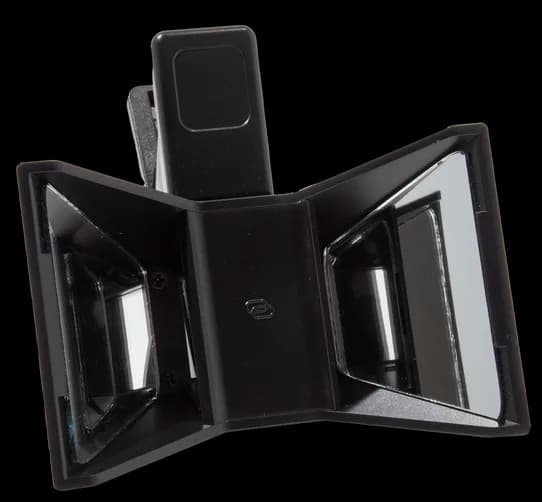
Twin mirrors capture a left and a right view at once, the same way your eyes see depth. Photos, videos and livestreams.
Step 3: Upload and watch in 3D
Upload to Opic3D and our AI aligns both views. Put on a VR headset to see the 3D effect.
Tutorials
How to use Opic Spatial
Learn how to get the most out of your Opic Spatial and create stunning 3D content.
Introducing the Opic Spatial
Unboxing and first lookCreate 3D content
Shooting tips for real depthHow the Opic Spatial works
Twin mirrors, explained
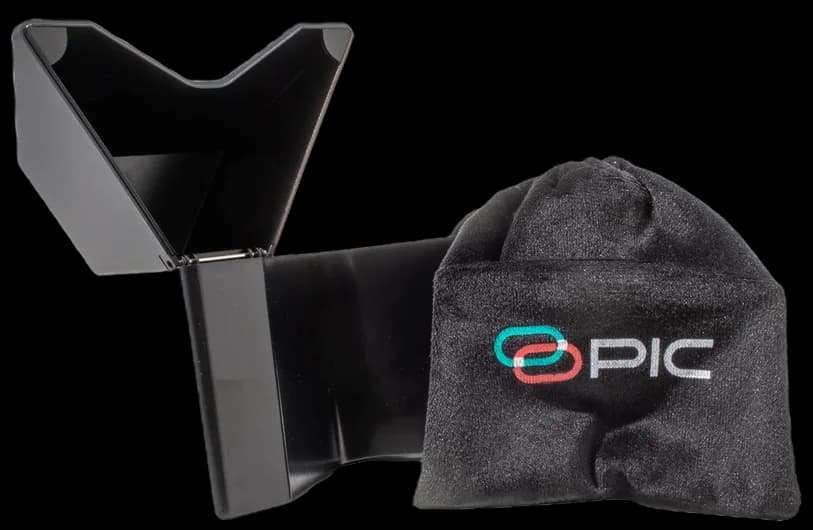
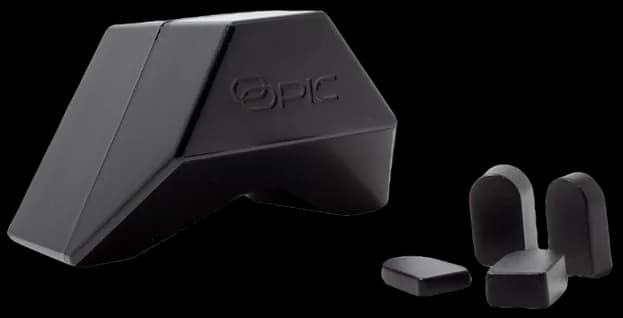
Designed for creators
Pocket-sized, ready wherever you shoot
- Works with the camera you already have
- Stereoscopic photos, videos and livestreams
- Plays back in 3D on Meta Quest, Apple Vision Pro and more
- Comes with a carry pouch for travel
Two ways to get yours
Buy it
Order Opic Spatial from our official store and start shooting in 3D right away.
Buy Opic SpatialEarn it free
Refer five friends, publish five original video posts, or win a contest. US residents get Opic Spatial shipped free; outside the US you get 1 year of free Stellar Class Membership.
See how Rewards work
FAQ